CumAnimate class
- class postmd.animate.CumAnimate(*args, fps: int = 20, dpi: int = 72, range_mode: str = 'auto', mode: str = 'mean')[source]
Bases:
BaseAnimateThe cumulative animation of a set of data, which is usually for show the change of data with number of experiments or cumulative average.
- Parameters:
*args – a set of y data
(ydata1, ydata2, ...), orx, (ydata1, ydata2, ...). Each ydata should be a 1D array.fps (int, optional) – Frames per second (FPS) setting for animation. Defaults to
20.dpi (int, optional) – Dots per inch (DPI) resolution for animation. Defaults to
72.range_mode (str, optional) – Determines the behavior of x and y limits in the animation. Defaults to
'auto'. - If set to'auto', the x and y limits will automatically adjust to the data range. - If set to'fix', the x and y limits will be fixed to a specific range. The fixed range is from the min to max of data plus 5% margin.mode (str, optional) –
"mean","sum"or"mean". Defaults to None. - Ifmode="mean", the cumulative average of(ydata1, ydata2, ...)will display in order as animation. The n-th frame is(ydata1+ydata2+...+ydatan)/n- Ifmode="sum", the cumulative summation of(ydata1, ydata2, ...)will display in order as animation. The n-th frame isydata1+ydata2+...+ydatan- Ifmode="sequence",ydata1,ydata2, … will display in sequence as animation
- save(filename, output_format=None)[source]
save the animation of data to file.
- Parameters:
filename (str) – file name to output
output_format (str, optional) – the output format. Now only support
gif,mp4, andavi. Defaults toNone, meaning the output format is inferred from the filename extension.
Example
import numpy as np
from postmd.animate import CumAnimate

if __name__ == '__main__':
    x_data = np.linspace(0, 10, 100)  # Corresponding x-axis data

    # a set of y data
    y_datas = []
    for i in range(1,101):
        y_data = i * np.sin(np.linspace(0, 2 * np.pi, 100))
        y_datas.append(y_data)


    # ============================= range_mode = auto =============================
    animator_auto_mean = CumAnimate(x_data, y_datas, fps=20, range_mode='auto', mode="mean")
    animator_auto_mean.ax.set_xlabel("Time")
    animator_auto_mean.ax.set_ylabel("Mean of Sine Waves")
    # animator_auto_mean.show()
    animator_auto_mean.save("CumAnimate_range_auto_mode_mean.gif")

    animator_auto_sum = CumAnimate(x_data, y_datas, fps=20, range_mode='auto', mode="sum")
    animator_auto_sum.ax.set_xlabel("Time")
    animator_auto_sum.ax.set_ylabel("Sum of Sine Waves")
    # animator_auto_sum.show()
    animator_auto_sum.save("CumAnimate_range_auto_mode_sum.gif")

    animator_auto = CumAnimate(x_data, y_datas, fps=20, range_mode='auto', mode="sequence")
    animator_auto.ax.set_xlabel("Time")
    animator_auto.ax.set_ylabel("Sine Waves")
    # animator_auto.show()
    animator_auto.save("CumAnimate_range_auto_mode_sequence.gif")


    # ============================ range_mode = fix =============================
    animator_fix_mean = CumAnimate(x_data, y_datas, fps=20, range_mode='fix', mode="mean")
    animator_fix_mean.ax.set_xlabel("Time")
    animator_fix_mean.ax.set_ylabel("Mean of Sine Waves")
    # animator_fix_mean.show()
    animator_fix_mean.save("CumAnimate_range_fix_mode_mean.gif")

    animator_fix_sum = CumAnimate(x_data, y_datas, fps=20, range_mode='fix', mode="sum")
    animator_fix_sum.ax.set_xlabel("Time")
    animator_fix_sum.ax.set_ylabel("Sum of Sine Waves")
    # animator_fix_sum.show()
    animator_fix_sum.save("CumAnimate_range_fix_mode_sum.gif")

    animator_fix = CumAnimate(x_data, y_datas, fps=20, range_mode='fix', mode="sequence")
    animator_fix.ax.set_xlabel("Time")
    animator_fix.ax.set_ylabel("Sine Waves")
    # animator_fix.show()
    animator_fix.save("CumAnimate_range_fix_mode_sequence.gif")
mode=’mean’
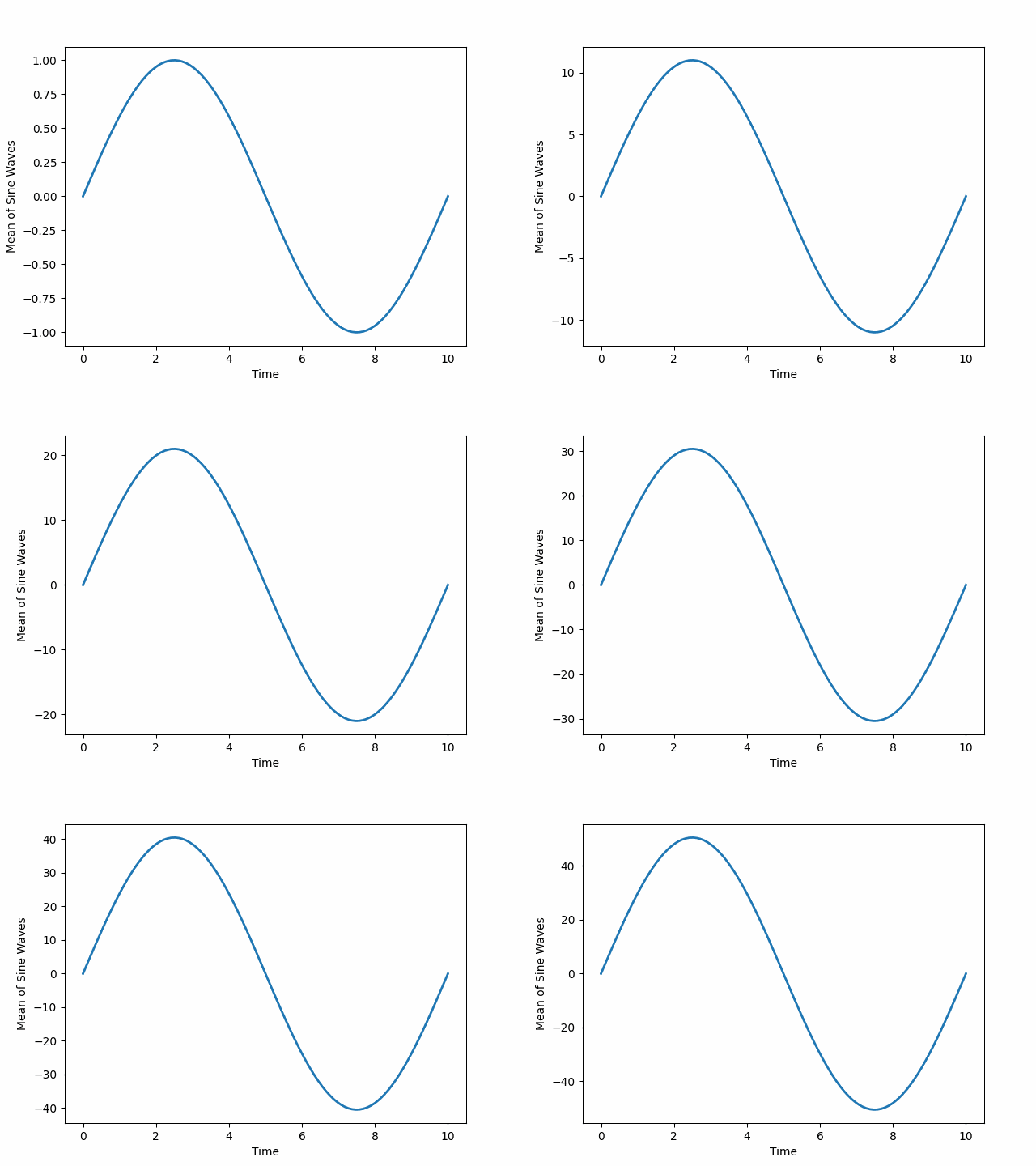
CumAnimate_range_auto_mode_mean.gif
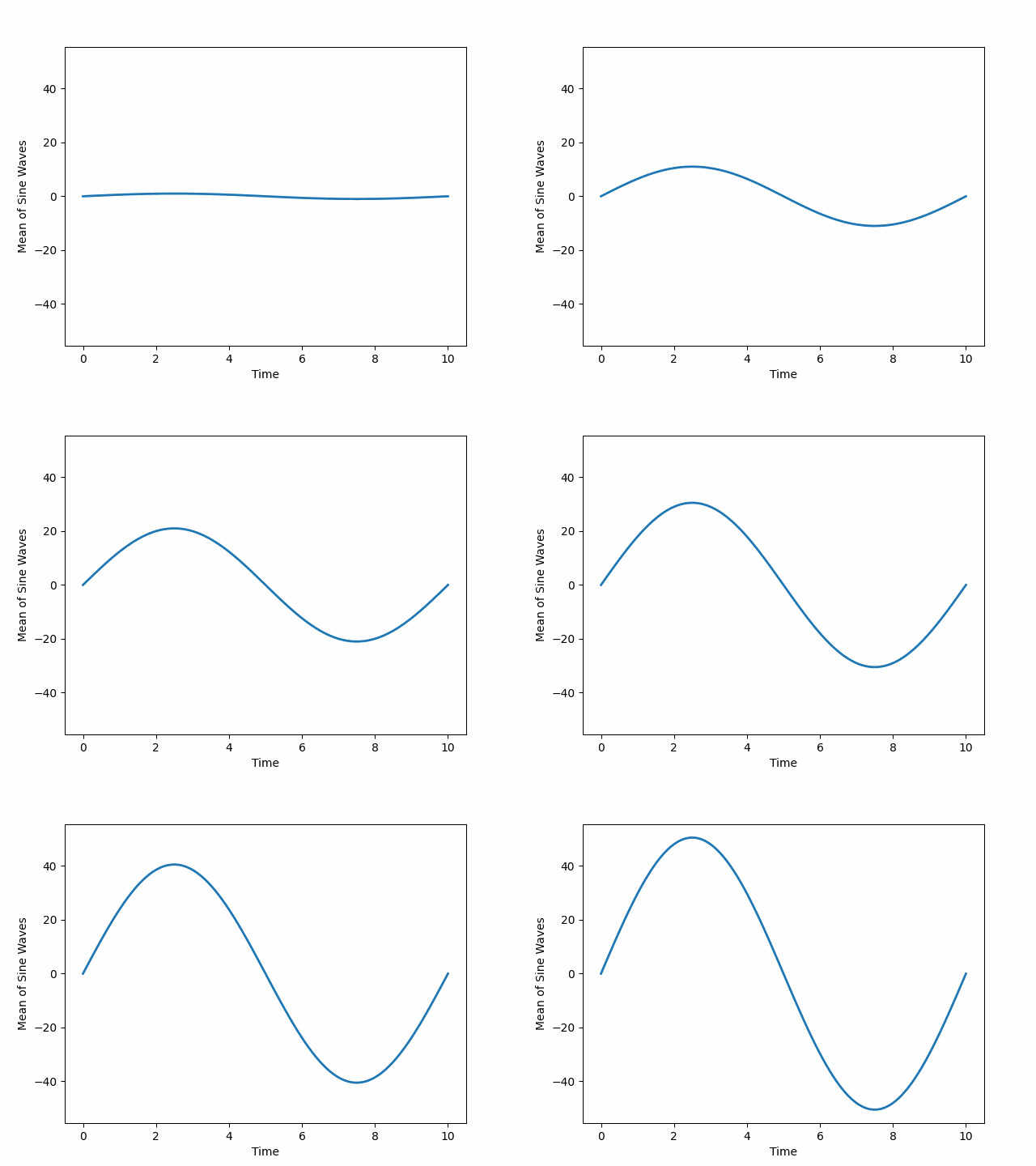
CumAnimate_range_fix_mode_mean.gif
mode=’sum’
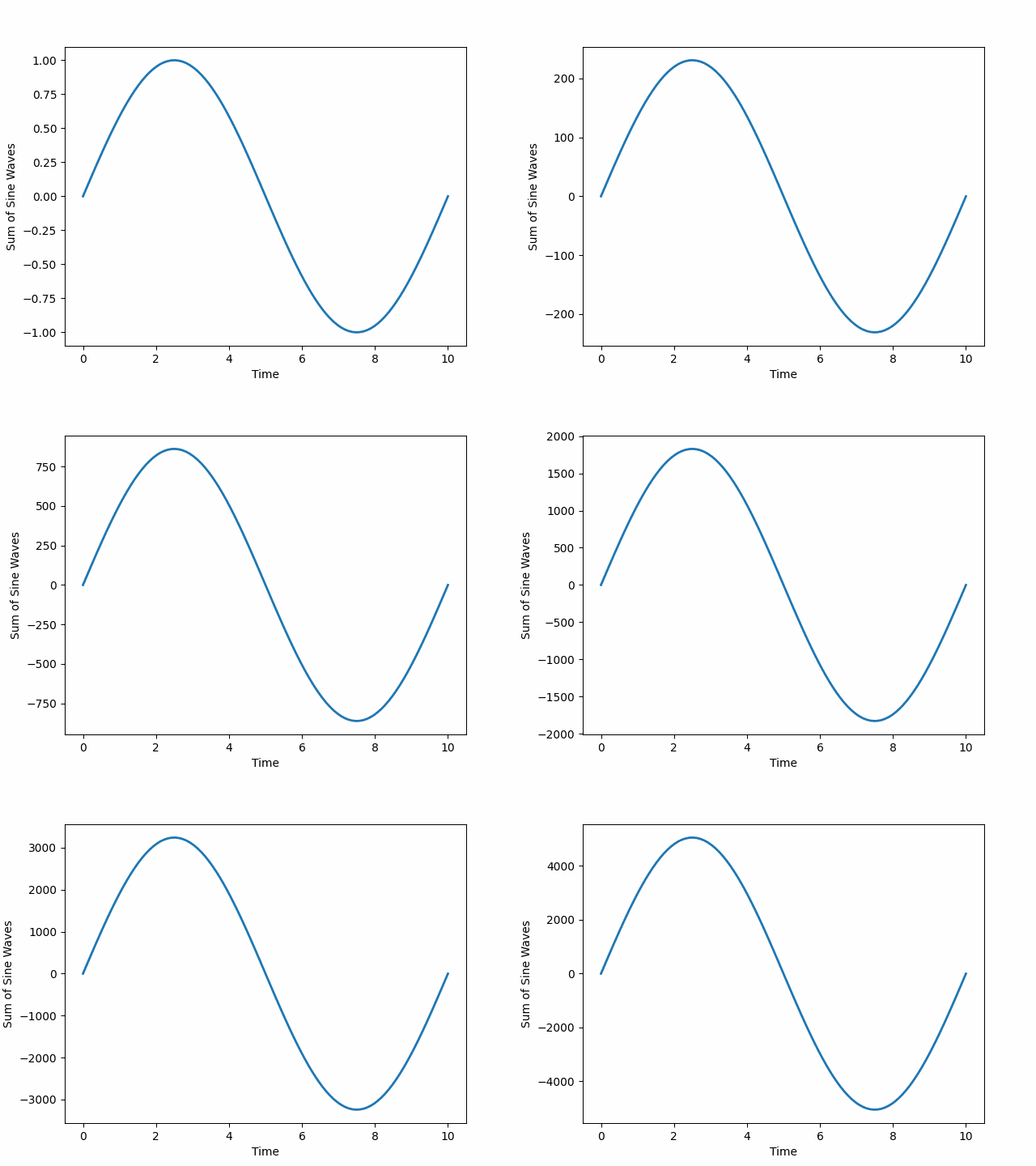
CumAnimate_range_auto_mode_sum.gif
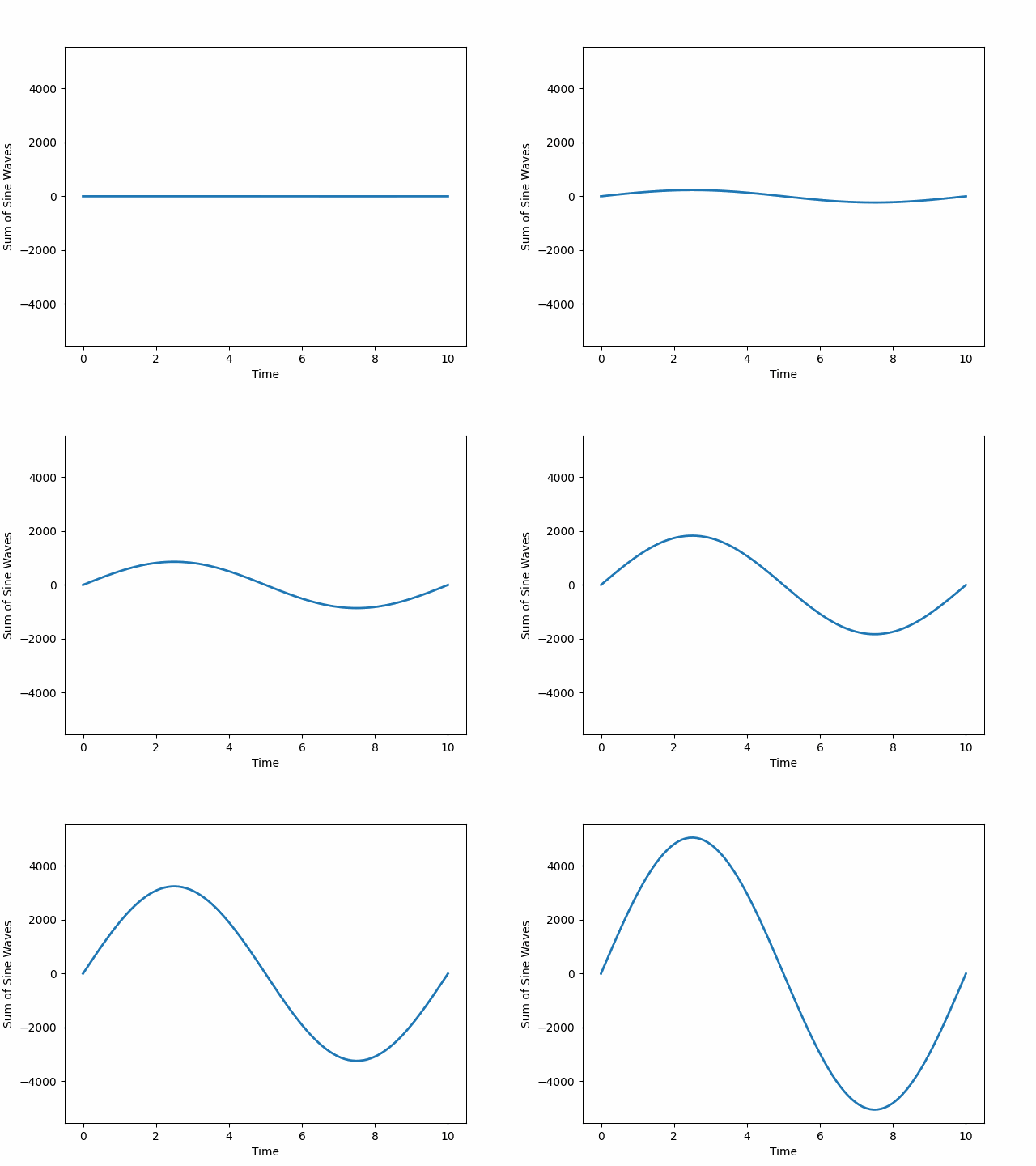
CumAnimate_range_fix_mode_sum.gif
mode=’sequence’
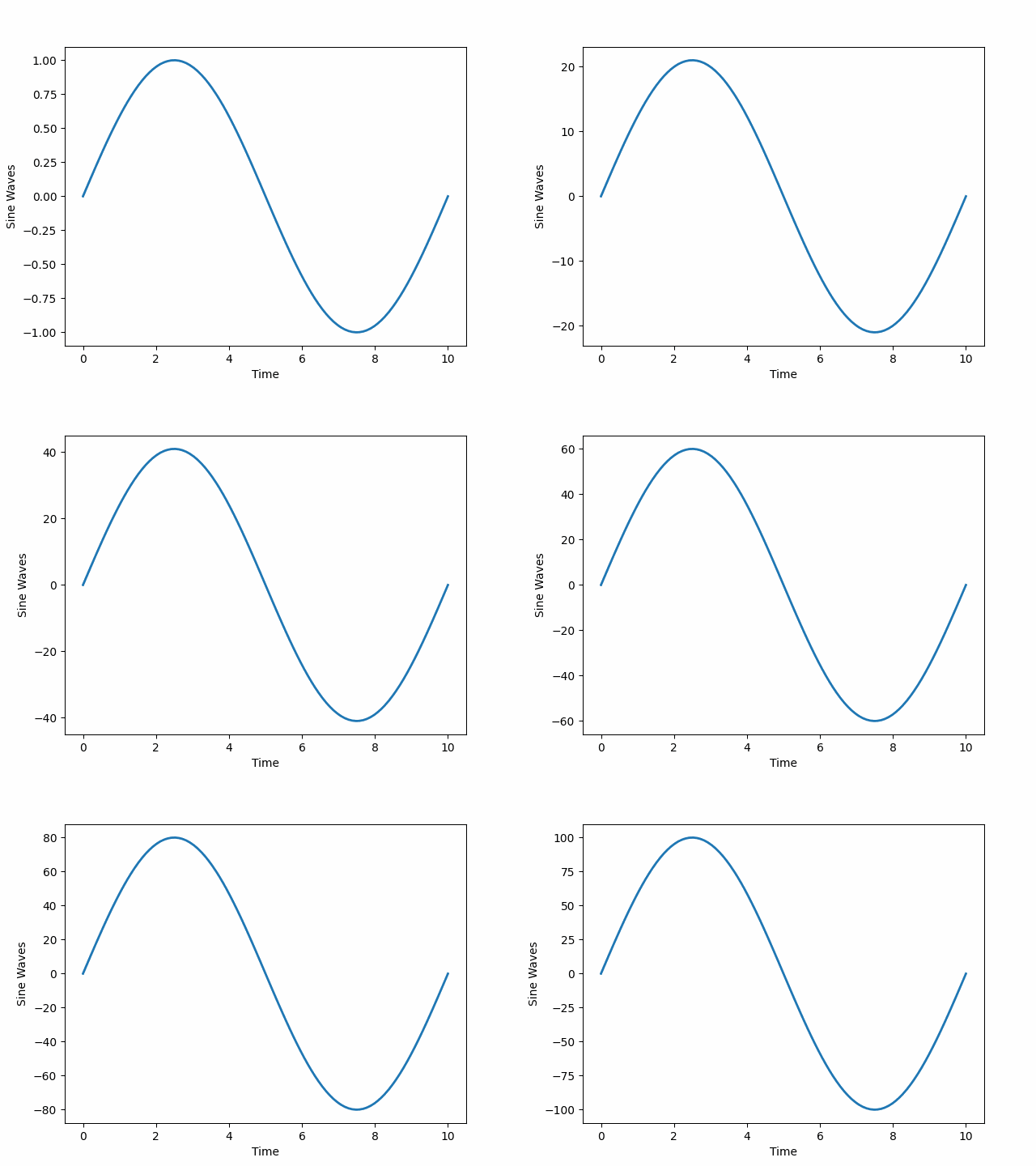
CumAnimate_range_auto_mode_sequence.gif
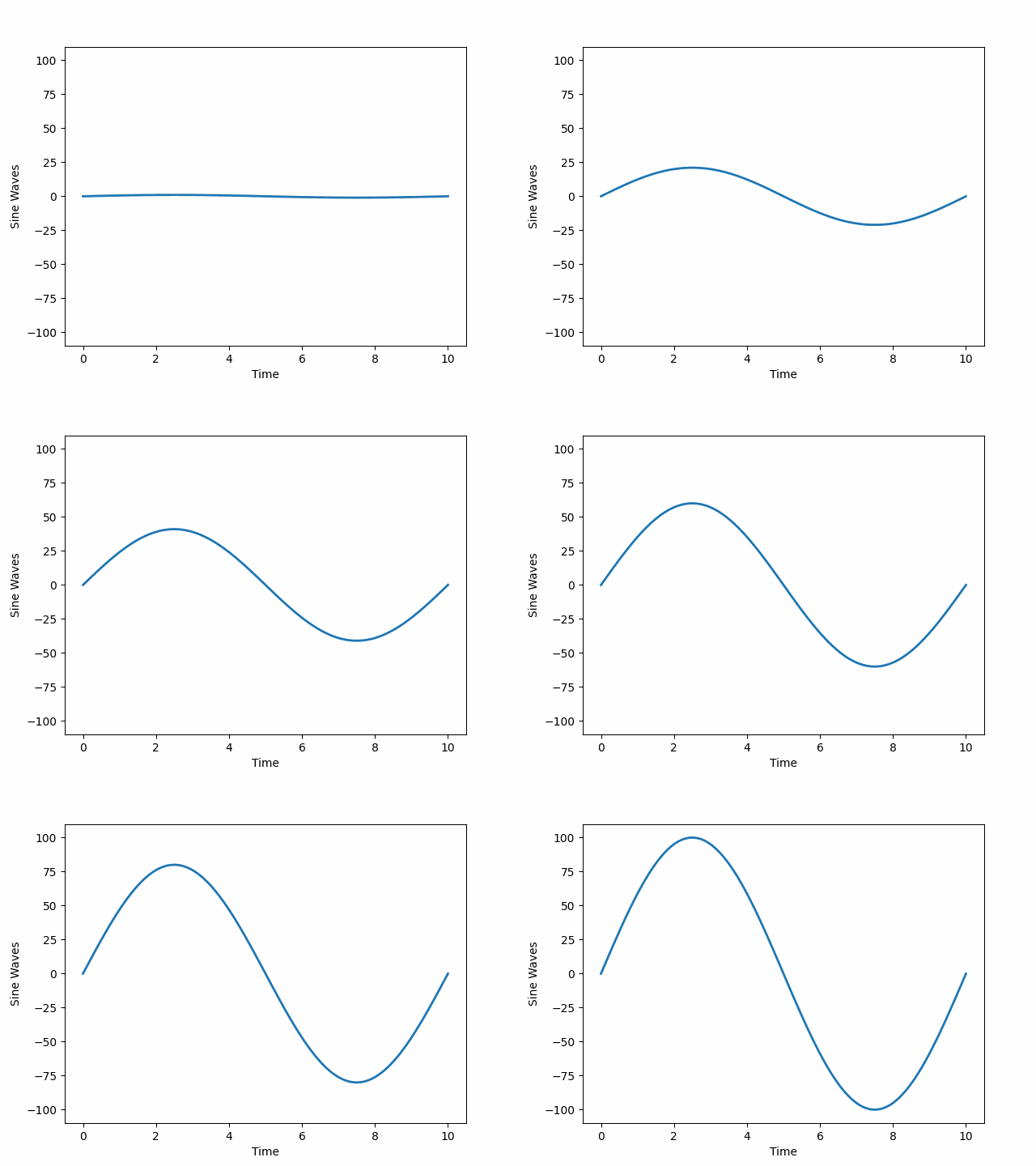
CumAnimate_range_fix_mode_sequence.gif